AnkiWeb
- Rating
- 34 (👍 24 · 👎 10)
- Updated
- 2020-09-27
- Anki versions
- unknown
- Description language
- en
AnkiWeb addon 1444055400
Adds or removes furigana on Japanese Anki card content using toolbar buttons, selected-text support, and configurable HTML ruby or square-bracket readings.
Open on AnkiWeb GitHub Ask about alternatives
abandoned
| Min Anki | Max Anki | Updated |
|---|---|---|
| 2.1.0 | – | 2020-09-27 |
Loading…
Generates and bulk-generates Japanese furigana readings and adds pitch accents to Anki cards, with configurable fields and compatible note types.
Copies configured note fields to the system clipboard with question/answer-specific fallback fields, optionally stripping HTML or furigana, supporting up to 10 fallbacks and Anki Qt6 compatibility.
Adds a + button to the card editor toolbar for inserting custom buttons that place content at the cursor or around selected text, with custom shortcuts and dark-mode support.
Adds or removes Japanese furigana in Anki cards via toolbar buttons, shortcuts, bracket or ruby tags, bulk generation, and MeCab readings.
Generates furigana on demand for selected Japanese vocabulary or sentences during card creation via a button or default ctrl+1 hotkey, using jisho.org to place kana over kanji.
Parses HTML ruby furigana from Japanese expression fields into separate hiragana/reading and kanji fields for selected decks and note types, enabling better compatibility with other addons.
Simple Furigana is an Anki 2.1 add-on providing support for adding or removing furigana on Japanese content in cards.
This plugin is inspired by ClozeFuriganaTools. Some large portions of code have been reused from ClozeFuriganaTools.
Japanese readings are generated by MeCab and Kakasi
Simple Furigana is released under GPLv3. See LICENSE for details.
Simple Furigana is available for download on the AnkiWeb portal.
Simple Furigana adds two buttons in the card editor toolbar Generate readings and Delete readings
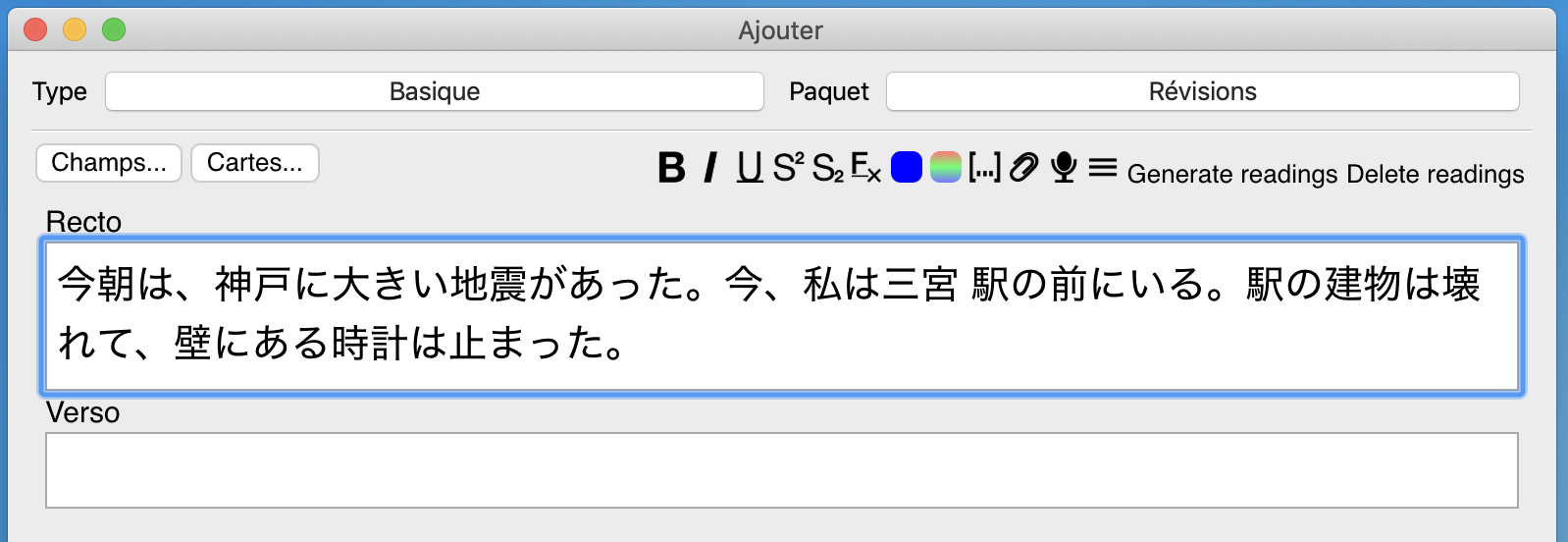
Select the field where you want to add furigana and click Generate readings.
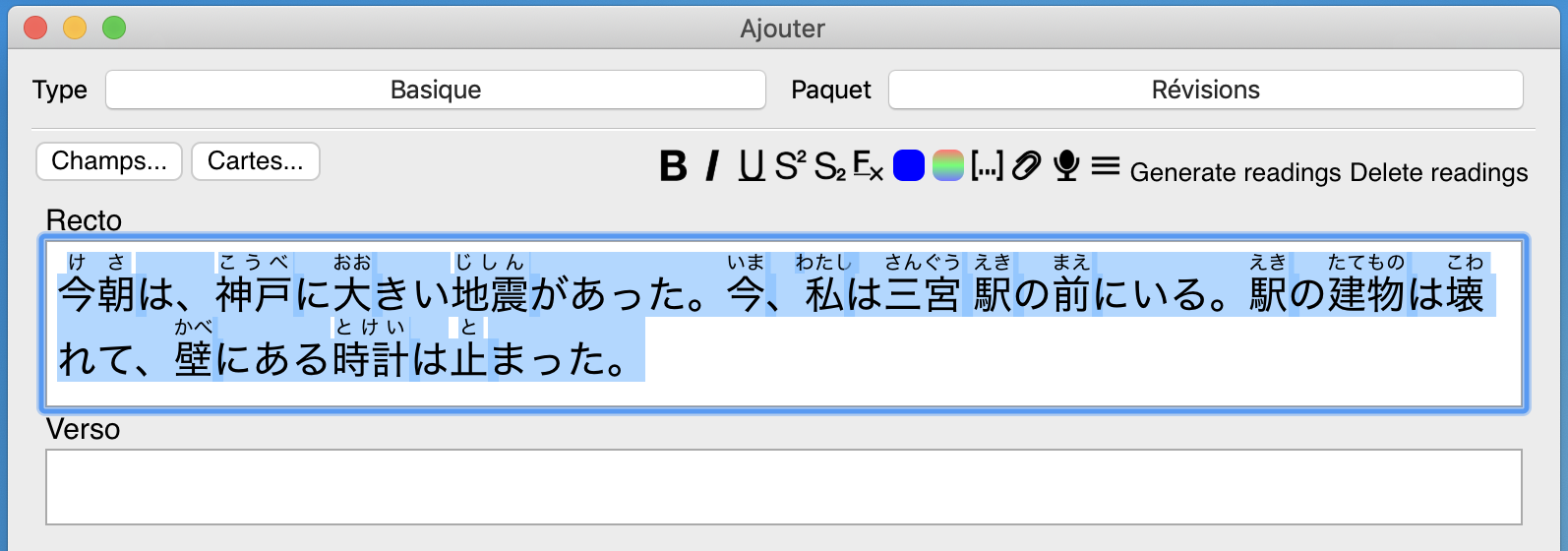
When only a portion of text is selected in the field, furigana are only generated for or removed from that selected text portion.
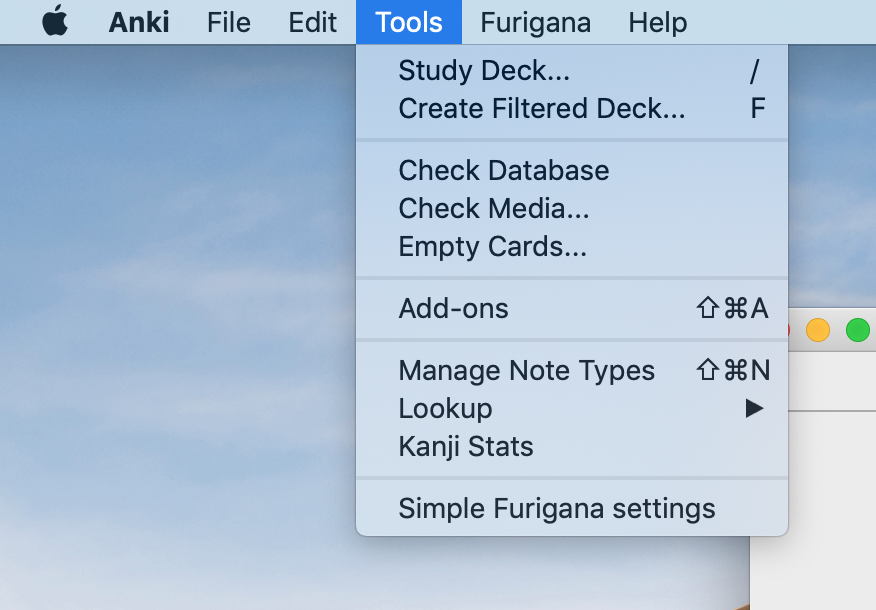
Click on Simple Furigana settings in the Tools menu to open the settings window.
false)Add reading for the kanjis 一二三四五六七八九十.
:warning: Note that mecab does not handle very well the irregular reading like 二人(ふたり) or 一回(いっかい) and may produce incorrect readings.
HTML ruby tags)Select the pattern to apply when the readings are added to a field.
HTML ruby tags
車 => <ruby><rb>車</rb><rt>くるま</rt></ruby>
Square brackets
車 => 車[くるま]