AnkiWeb
- Rating
- 0 (👍 0 · 👎 0)
- Updated
- 2026-02-08
- Anki versions
- unknown
- Description language
- en
AnkiWeb addon 1858693080
Records microphone audio to WAV, plays the last recording, optionally saves to a custom folder, and supports gain boost, folder and shortcut options.
Open on AnkiWeb GitHub Ask about alternatives
stale
| Min Anki | Max Anki | Updated |
|---|---|---|
| 2.1.0 | – | 2026-02-08 |
Loading…
Lets you record voice explanations while reviewing cards and inserts the audio into a per-note-type field, with a reviewer microphone button and Ctrl+Shift+R shortcut.
Records microphone audio in Anki's editor using Ctrl+H or a red button, working around audio button bugs and enabling playback inside the editor.
Records audio in WAV, archives it in a chosen folder, then converts to MP3 for Anki media, preserving high-quality recordings for language-learning use.
Plays looping ambient background sounds during Anki study sessions, with menu controls for enabling, sound selection, and volume, plus customizable local sound files and persistent settings.
Lets Windows Anki users answer cards by playing guitar chords or notes, assigning chords to actions, with mic threshold tuning, readiness feedback, and instant stop.
Plays a .wav file in the background via a menu bar option using Python's playsound module; simple and only tested on Windows, requiring an Anki restart after installation.
An Anki add-on that records microphone audio to WAV, lets you play back the last recording, and optionally saves to a custom folder.
Clone this repo.
Symlink the add-on folder into Anki:
ln -s /path/to/AnkiVoiceRecorder/myaddon ~/.local/share/Anki2/addons21/AnkiVoiceRecorder
Restart Anki.
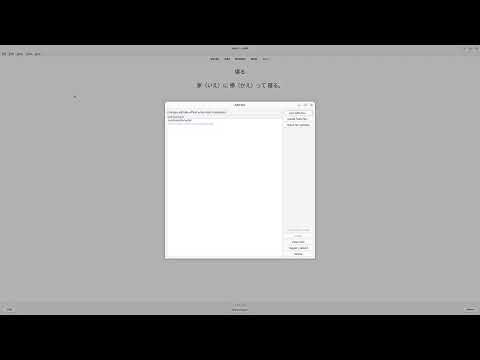
Config is stored by Anki. Defaults are defined in myaddon/config.json:
{
  "save_dir": "",
  "gain": 1.25,
  "record_shortcut": "Ctrl+R",
  "play_shortcut": "Ctrl+Shift+R"
}