AnkiWeb
- Rating
- 7 (👍 7 · 👎 0)
- Updated
- 2025-01-06
- Anki versions
- 24.06.3~
- Description language
- en
AnkiWeb addon 1657733540
Automatically populates Anki fields with offline JMdict kanji readings, definitions, word types, example sentences, and rubytext, plus bulk updates and field clearing.
Open on AnkiWeb GitHub Ask about alternatives
stale
| Min Anki | Max Anki | Updated |
|---|---|---|
| 23.12.1 | 24.06.3+ | 2025-01-06 |
Loading…
Fetches and assigns Japanese parts of speech to Anki cards offline using bundled JMdict SQLite data, with field mapping, single-note and bulk add/remove/find operations.
Adds kanji readings, meanings, radicals, components, stroke counts and frequency data directly to existing Japanese Anki cards, with expandable breakdowns, themes, and synced mobile review.
Generates furigana readings for Japanese note types, offers kanji statistics, and enables dictionary lookups in ALC and Edict.
Automates bulk Japanese phrase/vocab card creation using a bundled JMdictionary, optional Jisho audio, custom note-type field mapping, and configurable Hepburn romanization.
Generates Japanese vocabulary frequency rankings from a JMDict/Rikai-Sama database and bulk-adds them, plus word type data, to specified Anki fields.
Fills blank Anki fields such as englishWord with comma-separated JMdict English glosses by matching Japanese dictionary forms and optional readings, configurable by field, note type, overwrite, gloss limit, common-word preference.
Welcome to my Anki add-on! This add-on provides the ability to automatically populate fields in Anki flashcards with kanji readings and definitions. The add-on utilizes JMdict (Japanese-Multilingual Dictionary) for the definition lookups. It was created primarily because I was a little annoyed that the rubytext never seemed to line up with characters properly with any of the existing addons I could find.
Plus, I didn't really get why I needed to use the internet when there's already readily available dictionaries to be downloaded.
With this add-on, you can:
I have used JMdict for fetching kanji readings and definitions. More information about JMdict can be found here: JMdict
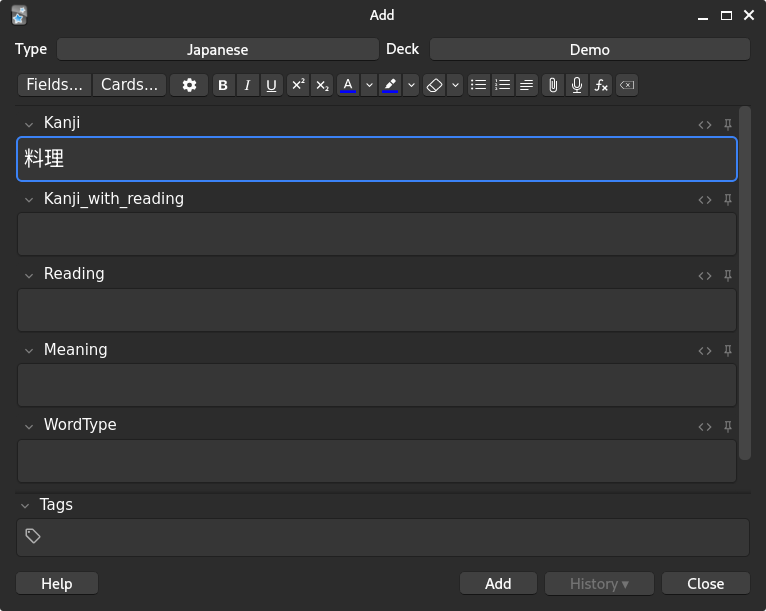
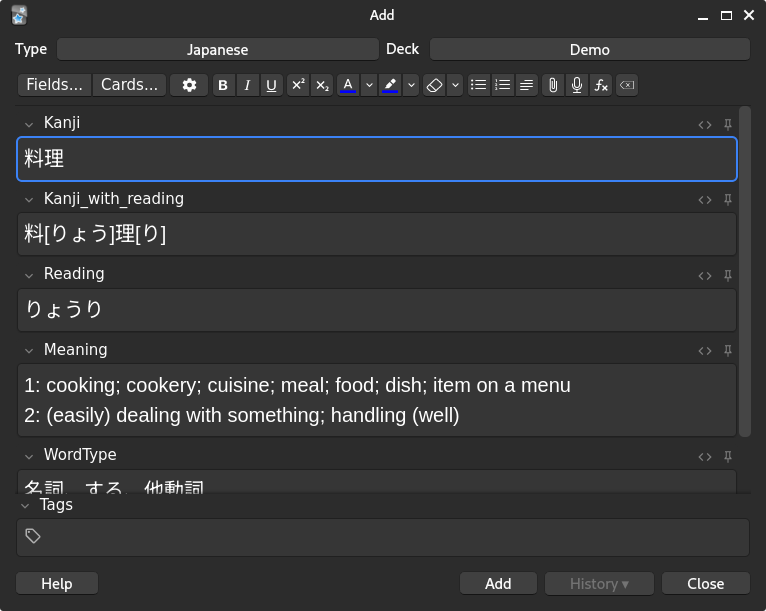
Here's an example of what this addon does for a note, please note that there are no note types provided with the addon so you'll need to make your own.
From this
To this
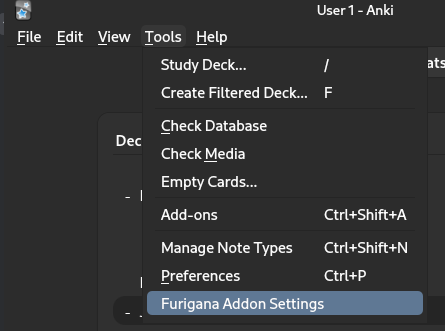
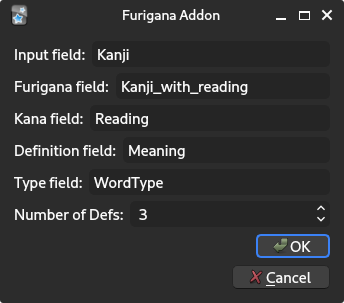
After installation, please update the following settings found here:
The following settings are provided
To use simply type in the word like so
Hit tab or move off the field and the rest of the fields will be populated.
To remove the outputs, for example if the card is a duplicate then use the following to clear all fields.
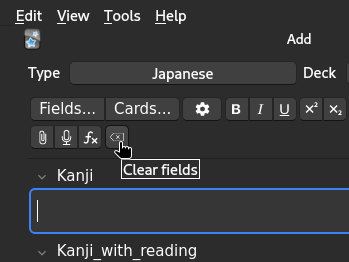
To perform a bulk update, use the following option from the main dropdown
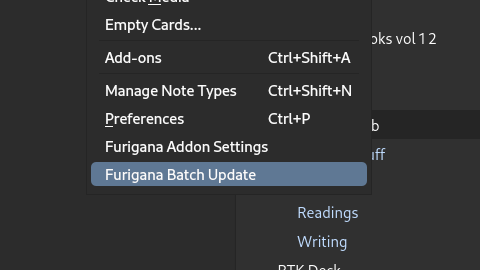
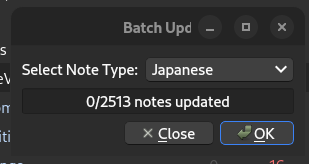
Select the deck you wish to update from the dropdown and then click OK. Please note that it may take a moment for all cards to update. No data will be overwritten during this process. This is functionally identical to updating cards in a manual manner.
Your contributions are welcome! If you have any ideas or suggestions, please feel free to Submit an issue.
Please see the LICENSE file for details.