AnkiWeb
- Votes
- 1 (👍 1 · 👎 0)
- Updated
- 2026-10-29
- Anki versions
- 2.1.1~
- Languages
- JavaScript, Python, CSS, JSON
- Description language
- en
AnkiWeb addon 515663681
Transforms Anki's home screen into a customizable study dashboard with 34+ coordinated light/dark scenes, drag-and-drop widgets, progress stats, a review calendar heatmap, and countdown timers.
Open on AnkiWeb Ask about alternatives
active
No GitHub repository linked.
| Min Anki | Max Anki | Updated |
|---|---|---|
| 2.1.1 | + | 2026-10-29 |
Loading…
Replaces Anki's system title bar with a modern header or sidebar, integrating menus and window controls while preserving resizing, snapping, and theme-aware styling.
Turns the deck screen into a dashboard showing nine live statistics—session time estimate, retention, difficulty, mastery, leeches and more—with customizable layouts, themes and languages.
Adds configurable Apple Fitness-style progress ring widgets to Anki dashboards, tracking tags, decks, custom searches, or daily study progress, with visual editing and click-through to the Browser.
Replaces Anki's deck and review screens with a customizable widget dashboard featuring activity heatmaps, Pomodoro timer, habit tracking, exam countdowns, Quizlet-style study modes, card previews, six themes, and four languages.
Replaces standard deck stats with a customizable, theme-adaptive dashboard showing per-deck progress, remaining cards and today's completed reviews, configured through a graphical menu.
Locks Anki until a chosen study goal—reviews, correct answers, timer, or finishing a deck—is met, using passwords or blind locks, with strict-mode enforcement, progress HUD, and local stats.
You spend countless hours in Anki. Why not make it a space you actually enjoy looking at?
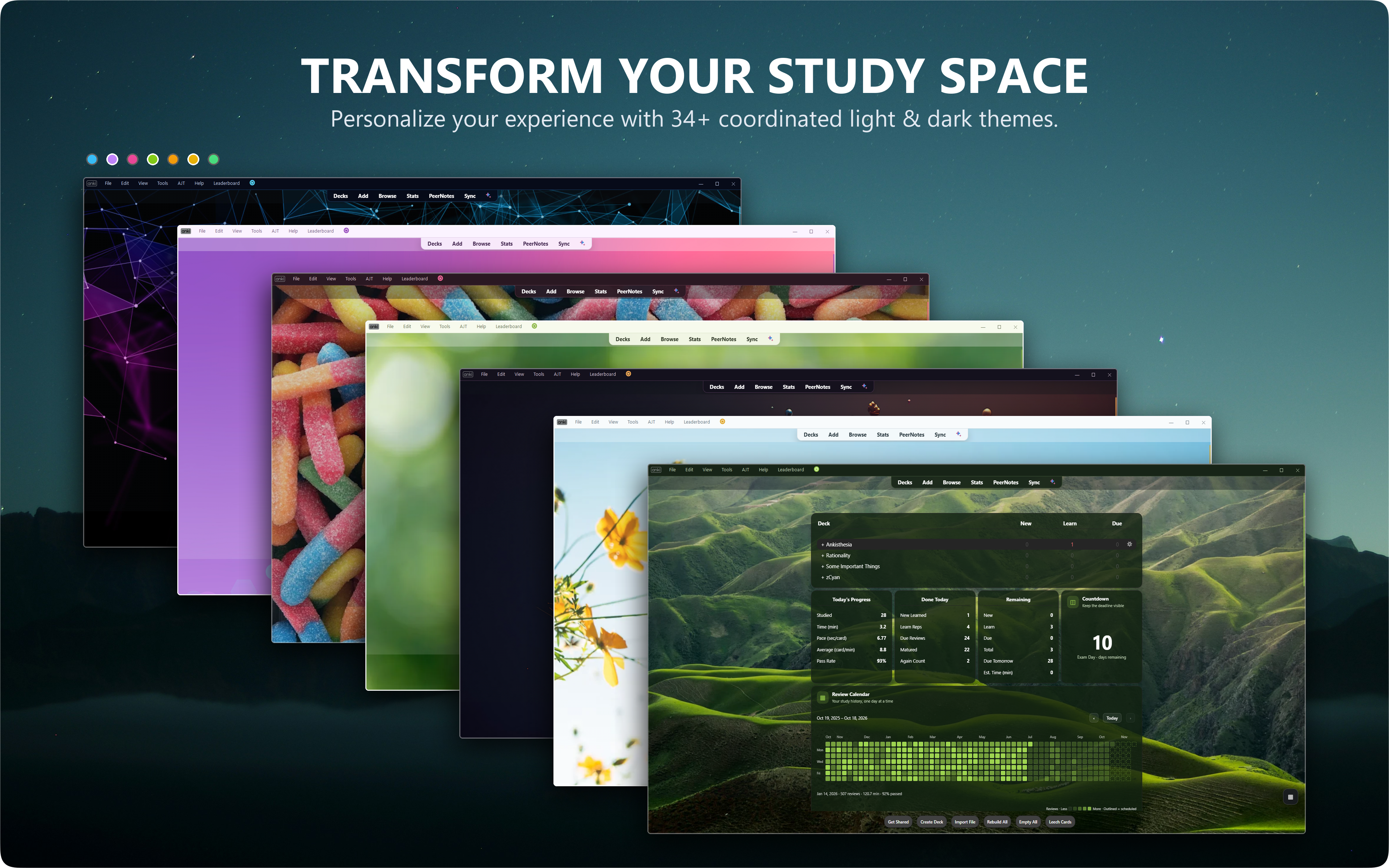
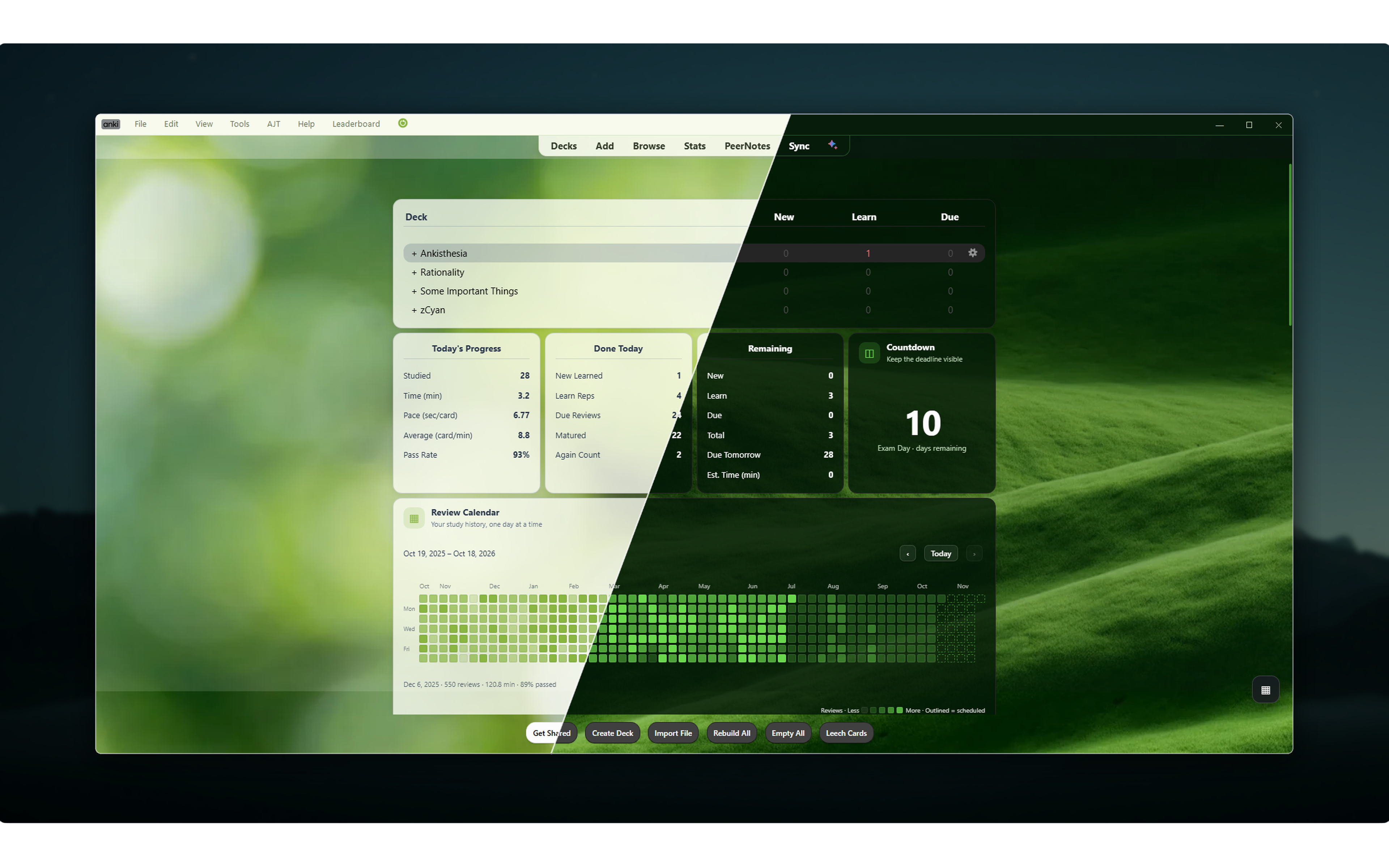
The Widget Addon transforms Anki's home screen into a personalized study dashboard. Choose from 34+ coordinated scenes, customize your workspace with matching light and dark color palettes, and bring your study statistics, review calendar, and useful widgets together in one beautiful interface.
Whether you prefer clean minimalism, colorful abstracts, or immersive landscapes, make Anki feel a little more like your own.
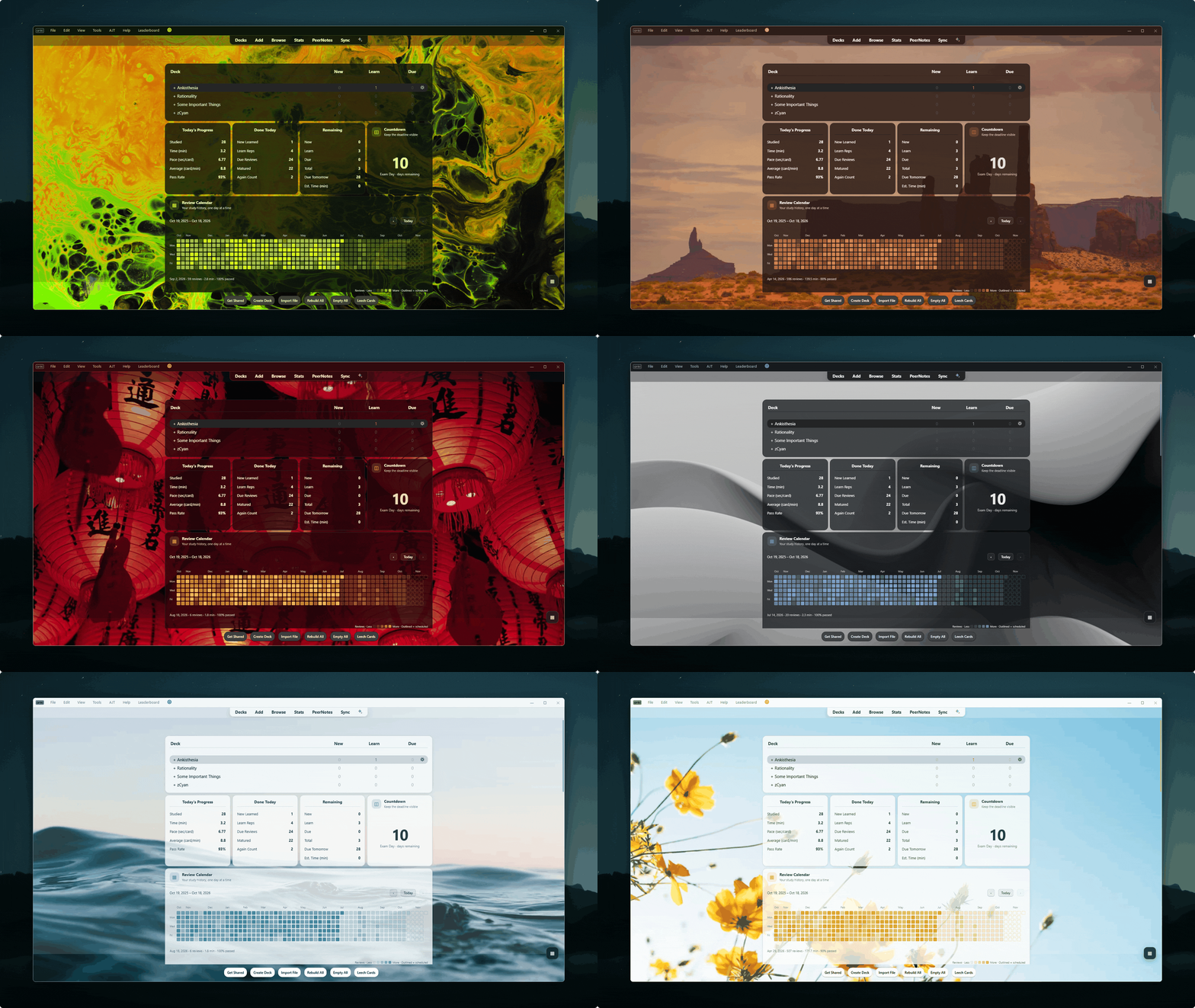
Note: This demonstration is paired with The Frameless Addon (Add-on #534500054). To achieve the full appearance, both addons need to be installed. The AI Chat feature is from the The Notes Addon
From vibrant abstract artwork to calming landscapes and minimalist designs, every scene comes with a coordinated color palette. The background, interface accents, dashboard widgets, and text work together to create a cohesive appearance.
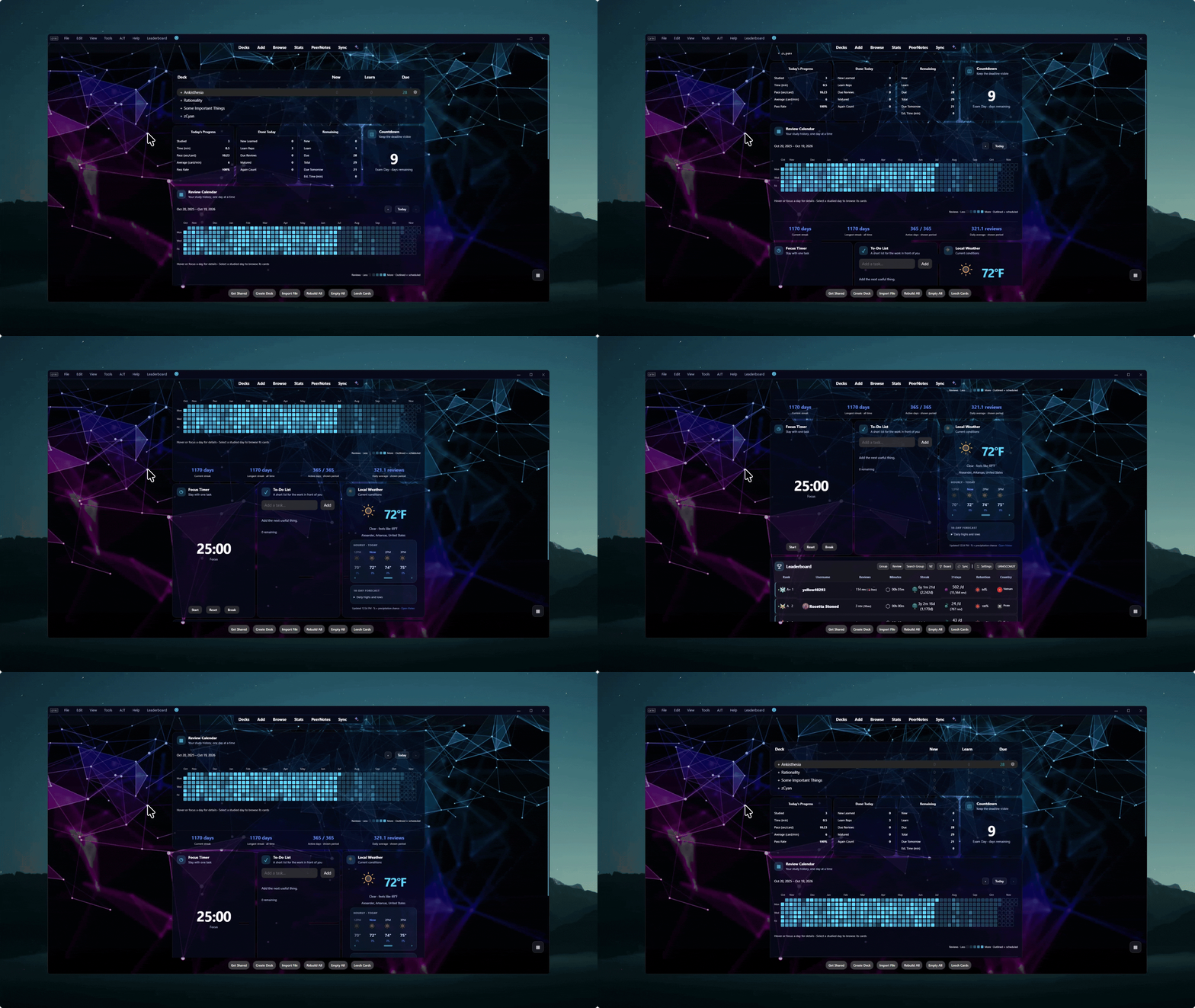
The Widget Addon goes beyond simply changing your background. It gives Anki a coordinated dashboard experience, bringing your decks, daily progress, review history, and helpful widgets into a unified layout.
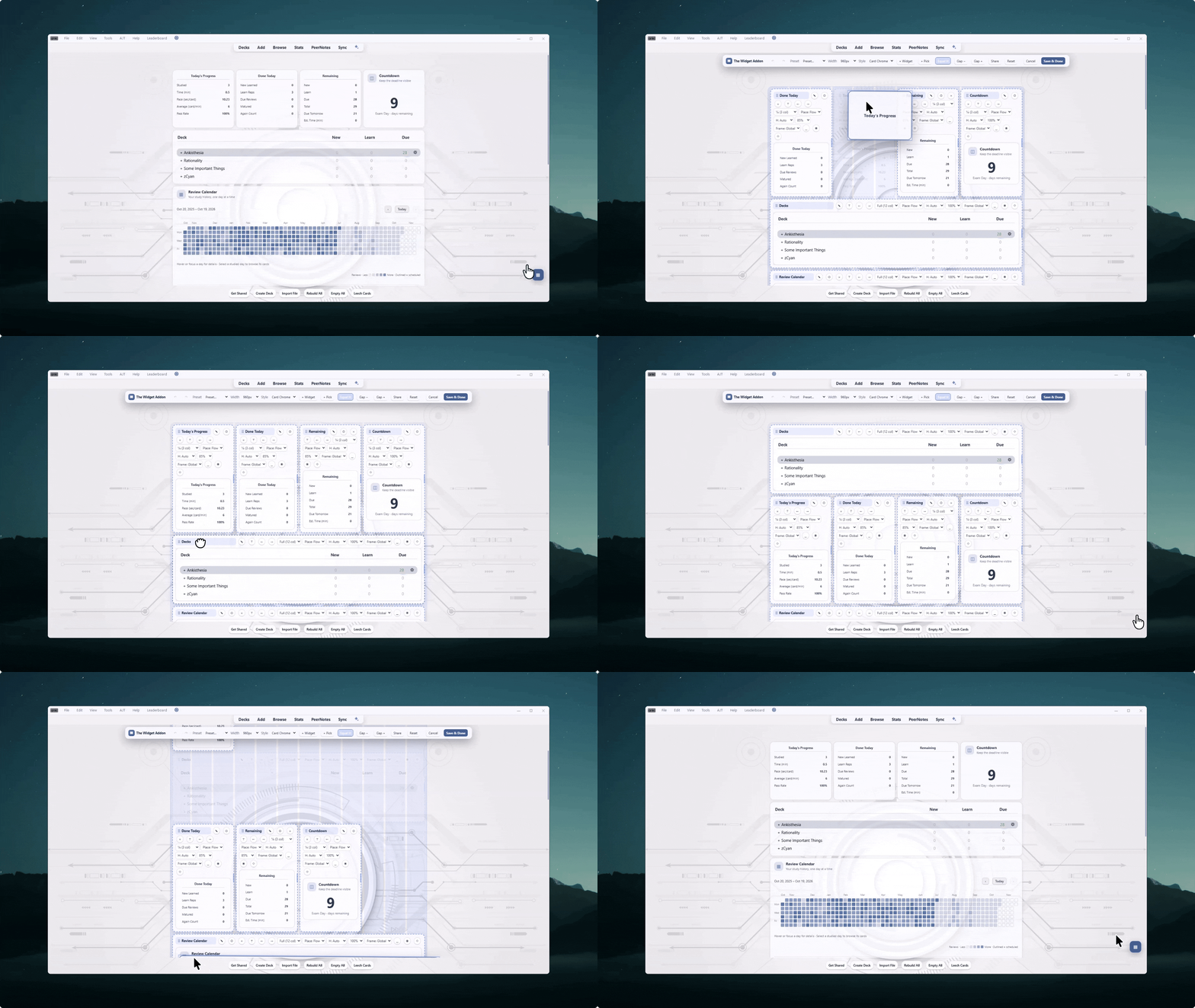
Drag widgets into place while nearby tiles shift live. Move a widget to the top or bottom edge to scroll the editor automatically.
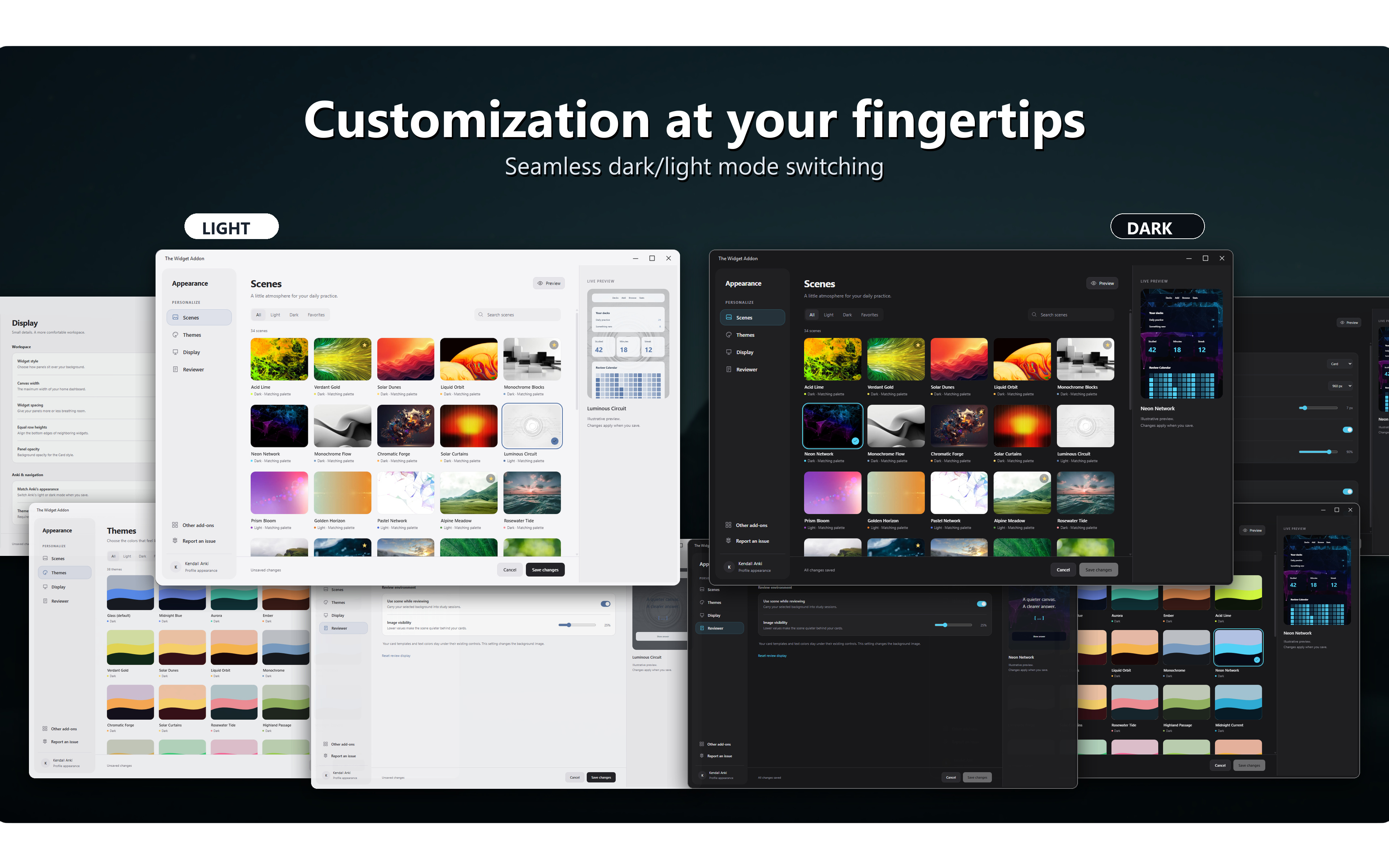
Prefer bright, airy interfaces during the day and darker, distraction-free designs at night? The Widget Addon provides coordinated light and dark appearances, allowing you to choose the atmosphere that feels right for your study session.
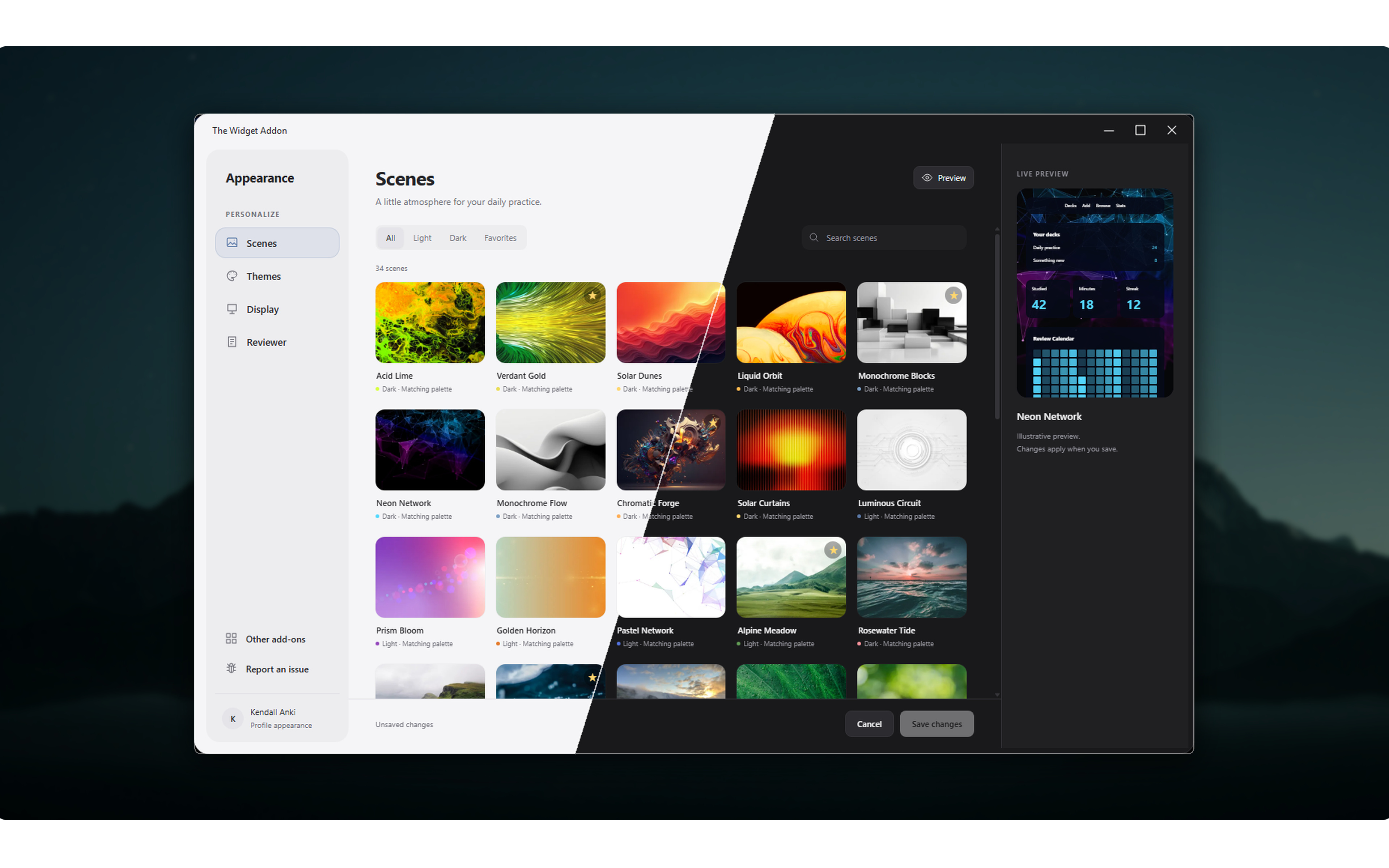
Customize your setup from one dedicated settings interface. Browse scenes, explore themes, adjust display settings, and configure your reviewer appearance without digging through complicated configuration files.

Before leaving a review about an issue, please submit a report through the in-app bug reporter. This allows me to troubleshoot the problem directly and coordinate with you to fix it much faster.