AnkiWeb
- Votes
- 1 (👍 1 · 👎 0)
- Updated
- 2026-10-27
- Anki versions
- 26.09~
- Languages
- Python, HTML, JSON
- Description language
- en
AnkiWeb addon 684537722
Provides an AI tutor for USMLE and shelf exams that explains cards, makes fact-checked flashcards, unsuspends cards for missed questions, and includes a focus timer and virtual garden.
Open on AnkiWeb Ask about alternatives
active
No GitHub repository linked.
| Min Anki | Max Anki | Updated |
|---|---|---|
| 23.10 | 26.09+ | 2026-10-27 |
Loading…
Lets OpenEvidence communicate with Anki, enabling one-click flashcard creation directly from the USMLE Prep Tutor; it is a fork of AnkiConnect.
Underlines medical terms on review cards, offering hover or click explanations, plus card search, interactive lessons, retention dashboards, and customizable highlighting and popups.
Turns Anki into an offline AI tutor that answers questions by searching your own flashcards via Ollama, with optional web search and a chat interface.
Generates tagged Anki decks from medical learning objectives and in-class PDFs using a structured prompt, outputting basic and cloze flashcards as JSON.
Organizes class lectures and courses into exam decks, files cards automatically, and adds AI quizzes, study help, reports, and settings.
Adds a reviewer panel that critiques, explains, rewrites and creates Anki cards via your own AI API key, plus offline comments, highlights, heatmaps and deck tools.
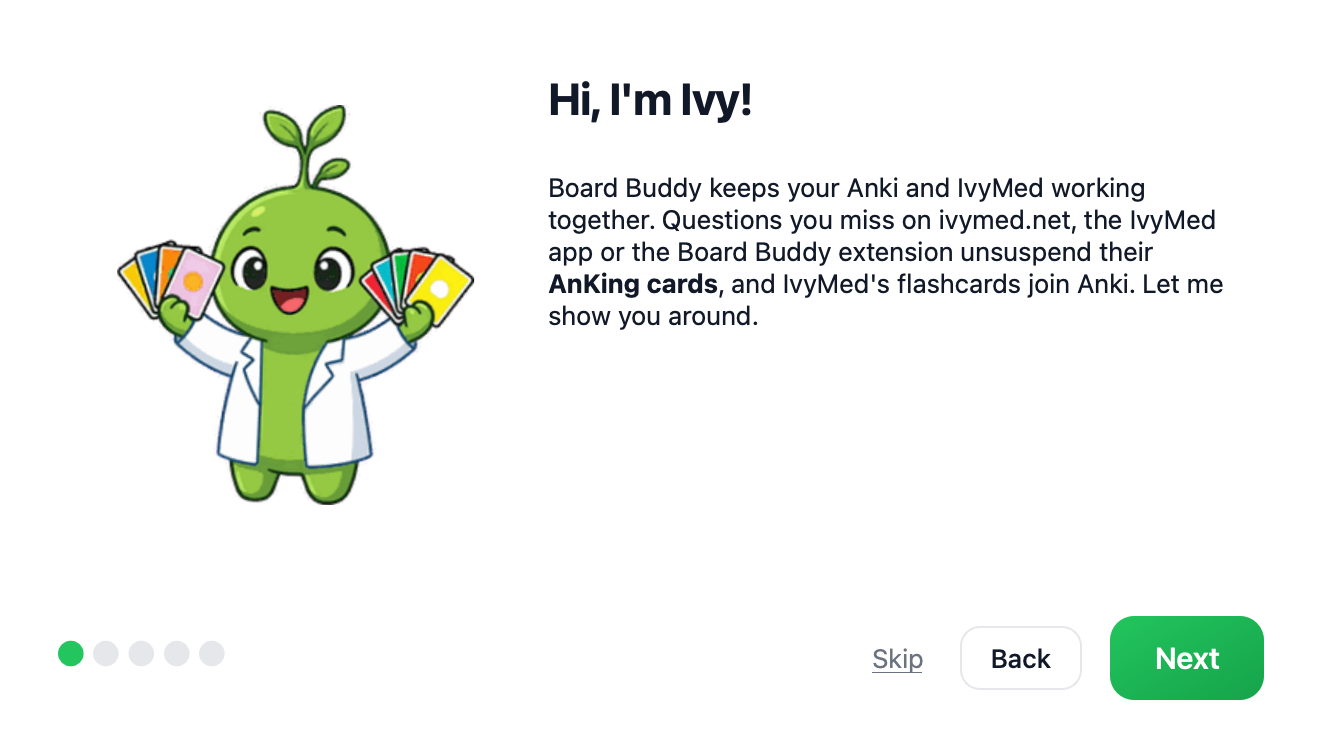
Board Buddy is your AI study companion inside Anki, for USMLE Step 1, Step 2 CK and the shelf exams.

Ask Ivy, your AI tutor, on every card
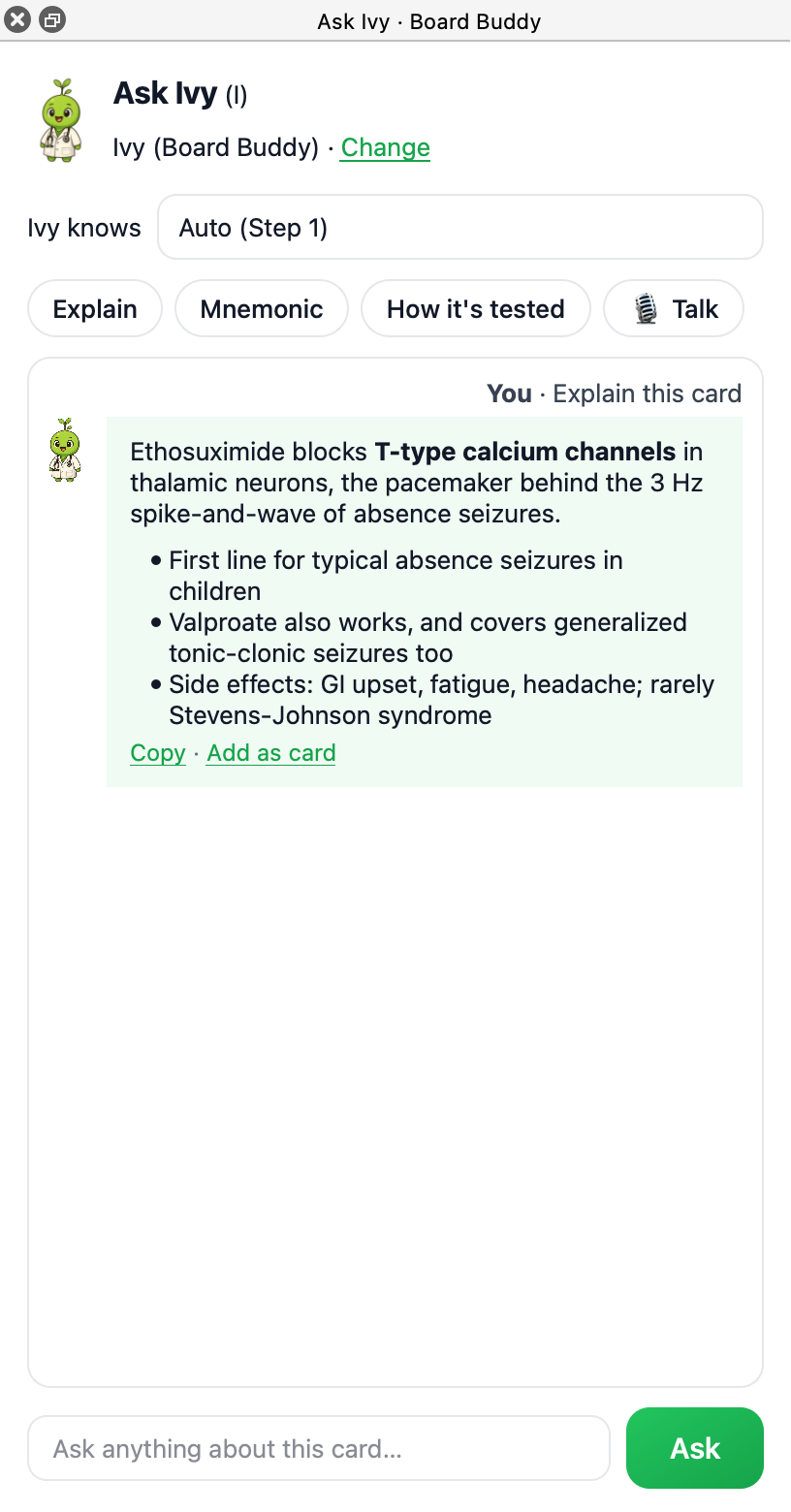
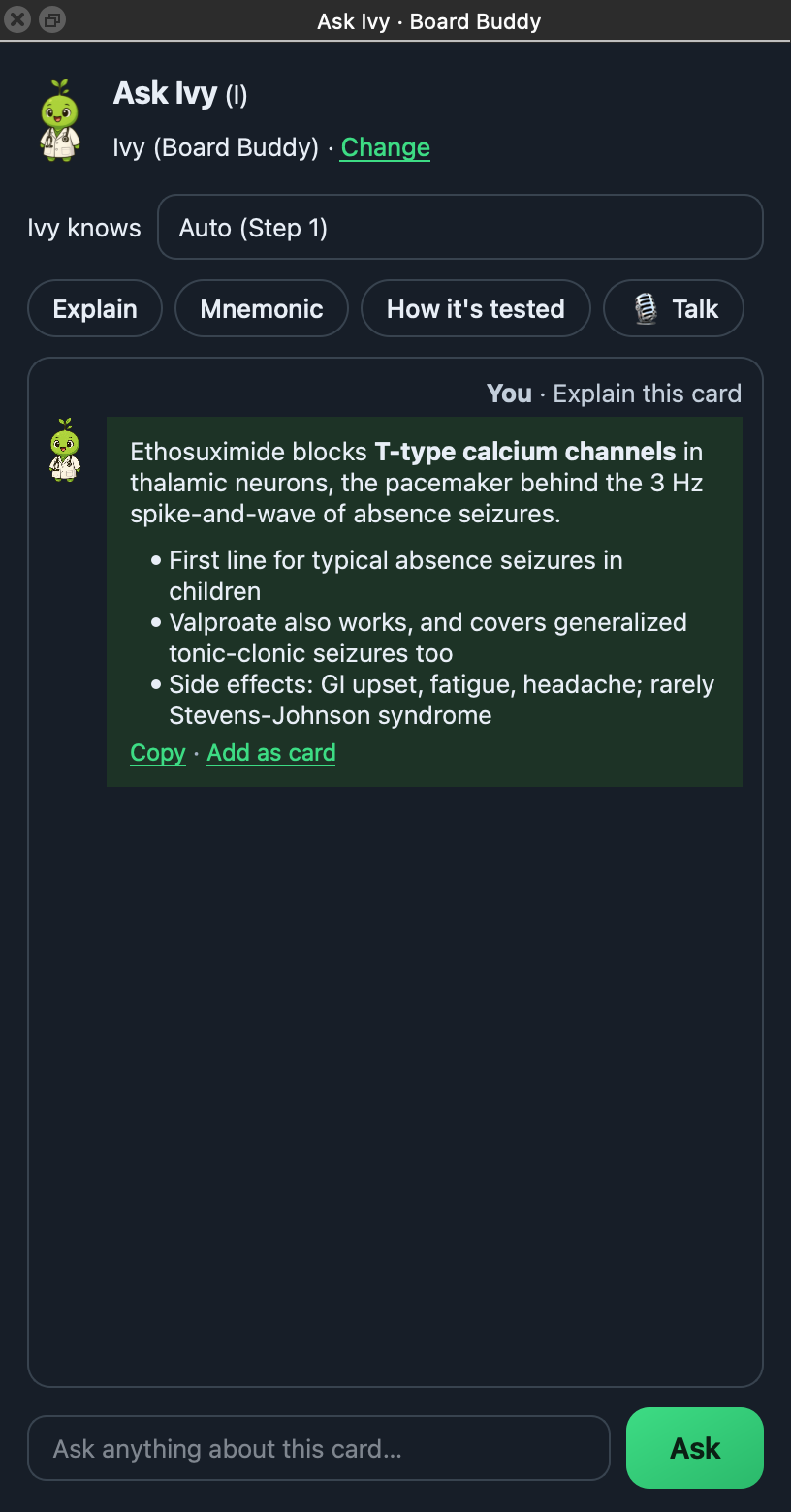
Press Ask Ivy on any card (or Shift+I). Tap Explain, Mnemonic or How it's tested, or ask anything. Ivy knows medicine: pick Step 1, Step 2 CK or your shelf (Internal Medicine, Pediatrics, OB/GYN, Surgery, Psychiatry, Neurology, Family Medicine, Emergency Medicine), or let her pick from the card, and get a clear answer about it, written out live as she types it. Like an answer? Press Add as card and Ivy writes 1 to 3 cards for exactly what you just talked about: one fact per card, cloze for facts and basic cards for the why, the key term in bold, and a short "tested as" line on the back. Each card is fact-checked before you see it. Edit any card, untick the ones you don't want, or Regenerate, then add them.
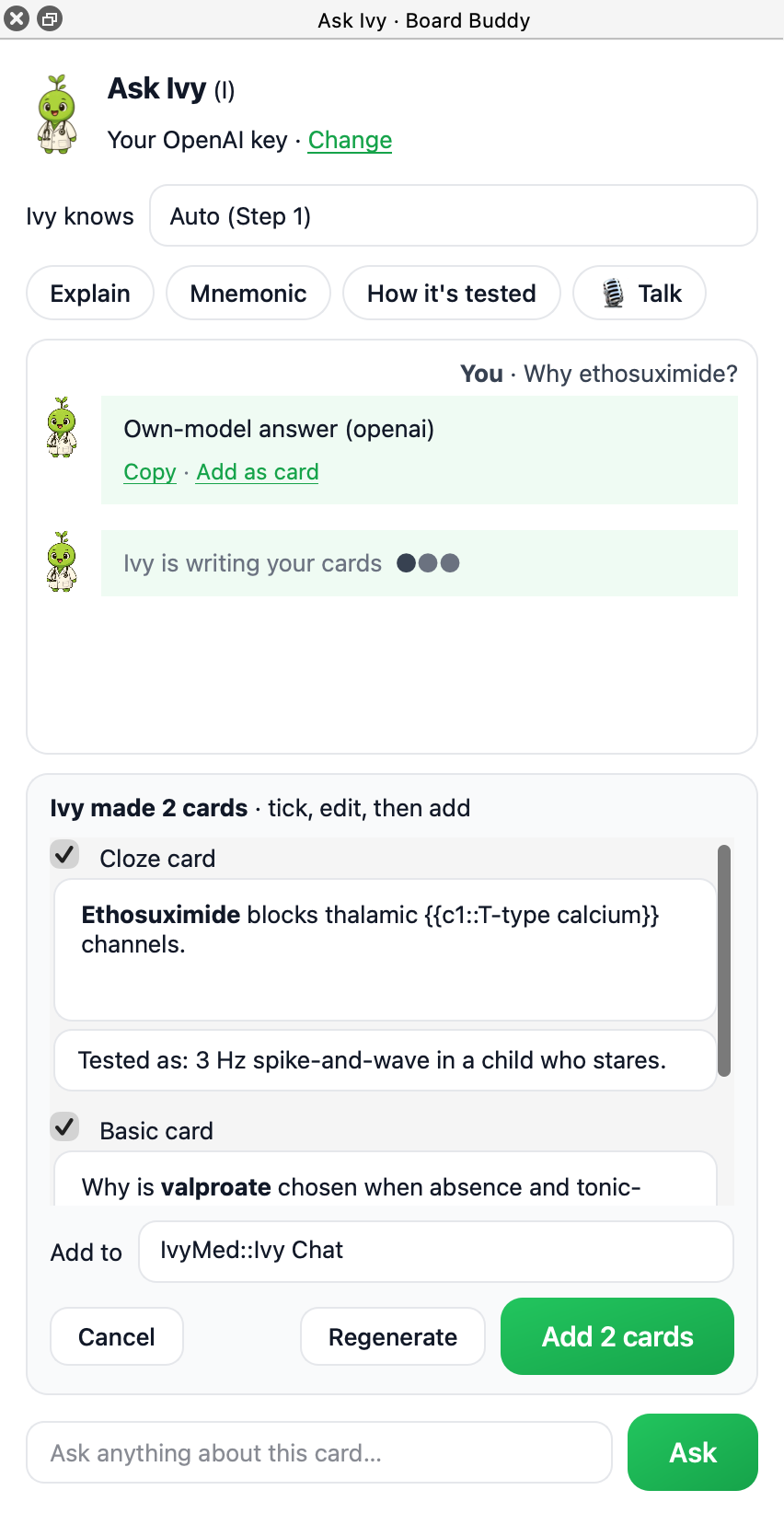
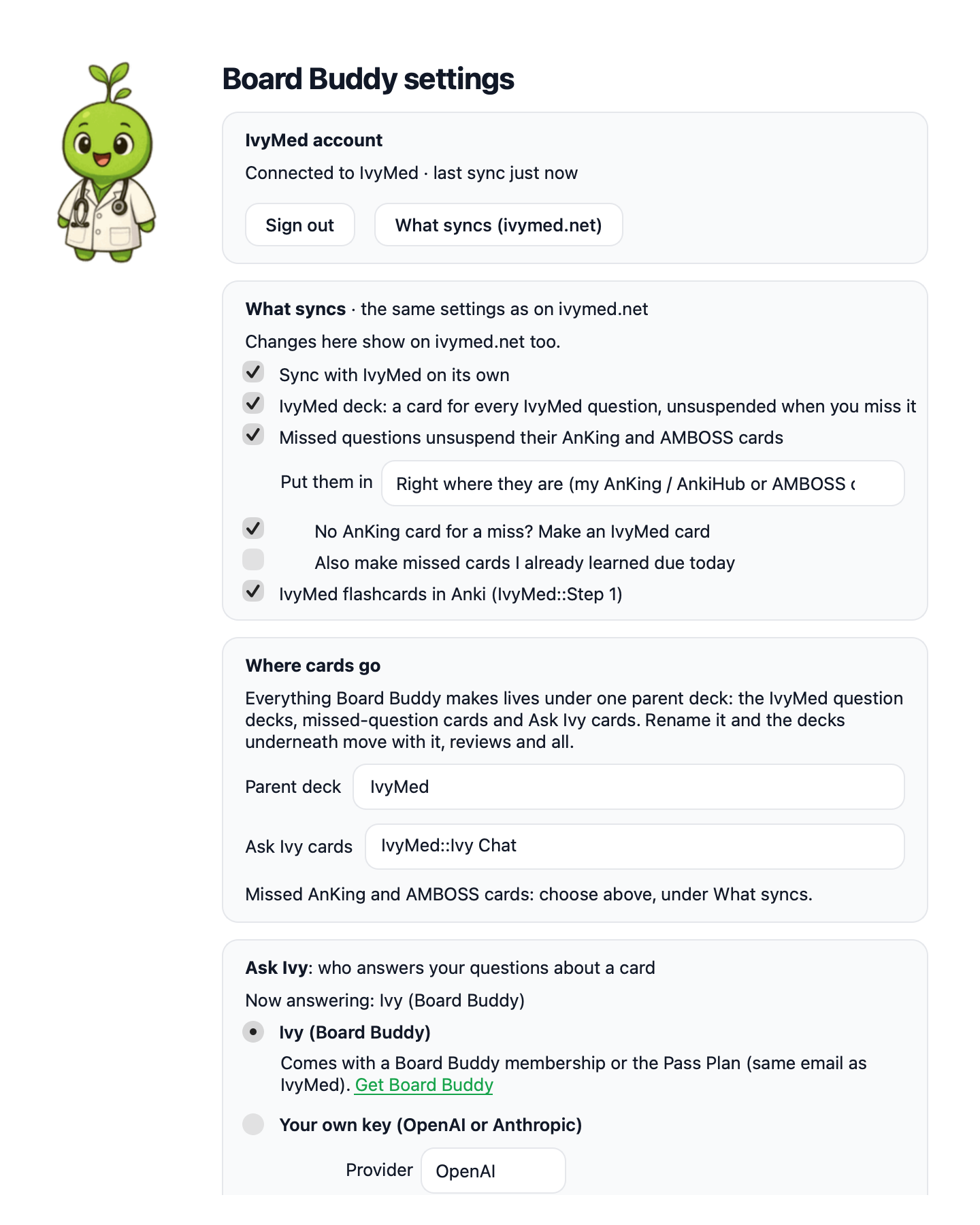
Everything works with a free IvyMed account. Ask Ivy with our AI comes with Board Buddy or the Pass Plan; or use your own OpenAI or Anthropic API key (Tools → Board Buddy → Settings). Your key stays on your computer.
Your misses become your reviews
Miss a question on ivymed.net, in the IvyMed app, in ApocaDoc, or on UWorld / AMBOSS with the Board Buddy extension, and Board Buddy unsuspends the matching AnKing or AMBOSS cards right where they are (or in a deck you choose).
The IvyMed deck
Every IvyMed question comes with its own cards, in IvyMed::Step 1 Bank, Step 2 Bank, App and ApocaDoc, all suspended. Miss one and its cards unsuspend. Board Buddy adds the deck for you, a batch at a time, and you can turn it off in Settings.
A focus timer, and tomatoes for your garden
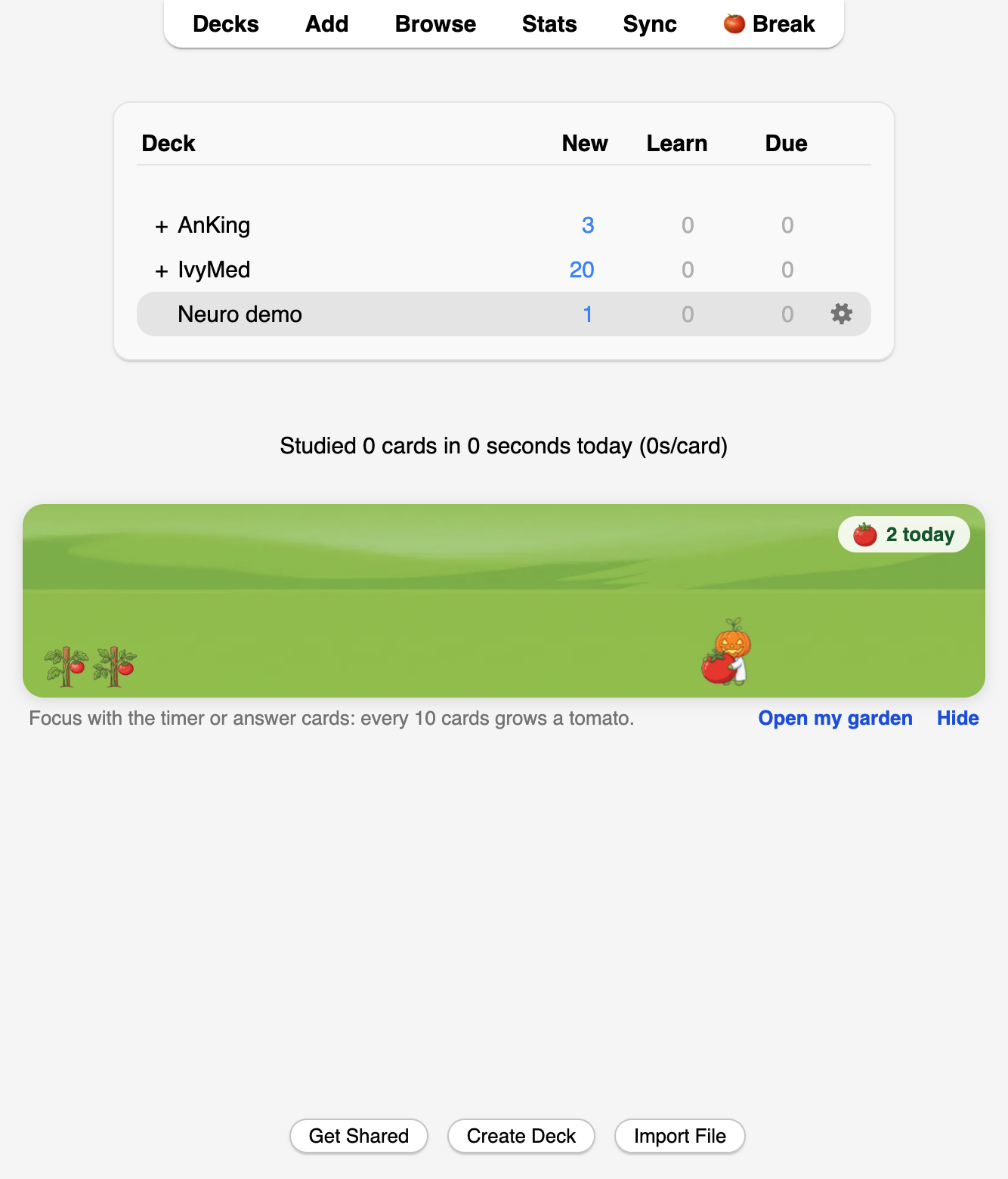
A small pomodoro timer sits in Anki's top bar: focus for 30 minutes (or what you pick), then take a break. Each finished block grows a tomato, and so does every 10 cards you answer. Signed in, they grow in the same garden as the Board Buddy extension and the IvyMed app. Want Ivy around while you study? Turn on Show Ivy's garden in Settings: Ivy strolls your garden on the home screen in this month's outfit (or the one you picked in Board Buddy).
No AnkiConnect needed
Board Buddy connects Anki to the Board Buddy Chrome extension and ivymed.net for you. Nothing to configure.
Make it yours
Pick the deck for each batch of Ivy's cards, or set one under Settings → Where cards go, and rename the parent deck (everything underneath moves with it). Power users get more: short or detailed answers, standing instructions for Ivy, how many cards and which type, your own note types and tags, your own shortcut keys, the panel on the left or right, and how often it syncs.
Set up in three steps
Good to know
Tutorial: https://ivymed.net/anki/tutorial